Bring your material
Enter a topic, paste a focused excerpt, or take a clear photo of handwritten or printed notes.
A page from class. A topic you’re stuck on. Make it a study set with an AI quiz maker, then test yourself and come back to what needs work.
Free download · In-app purchases
Access options and prices are shown in the app.
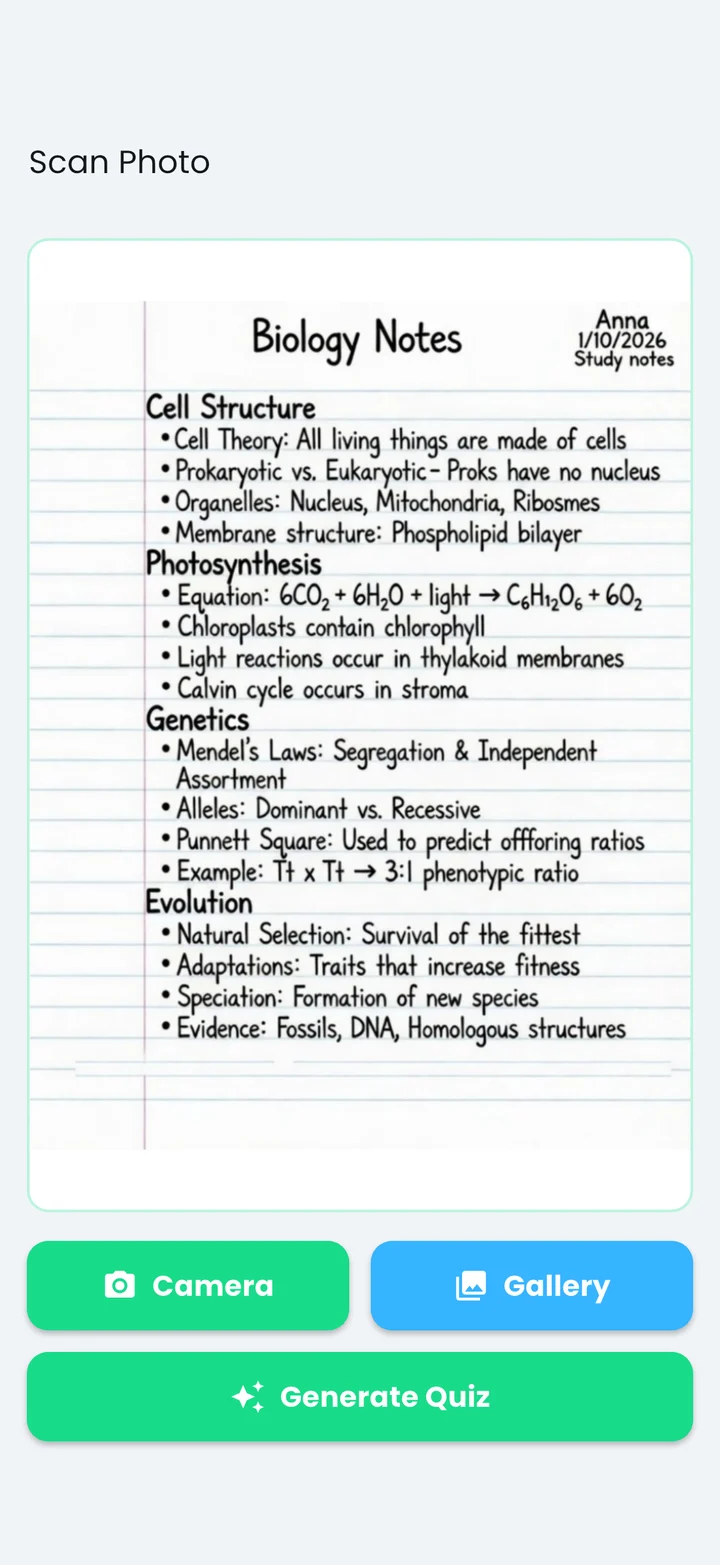
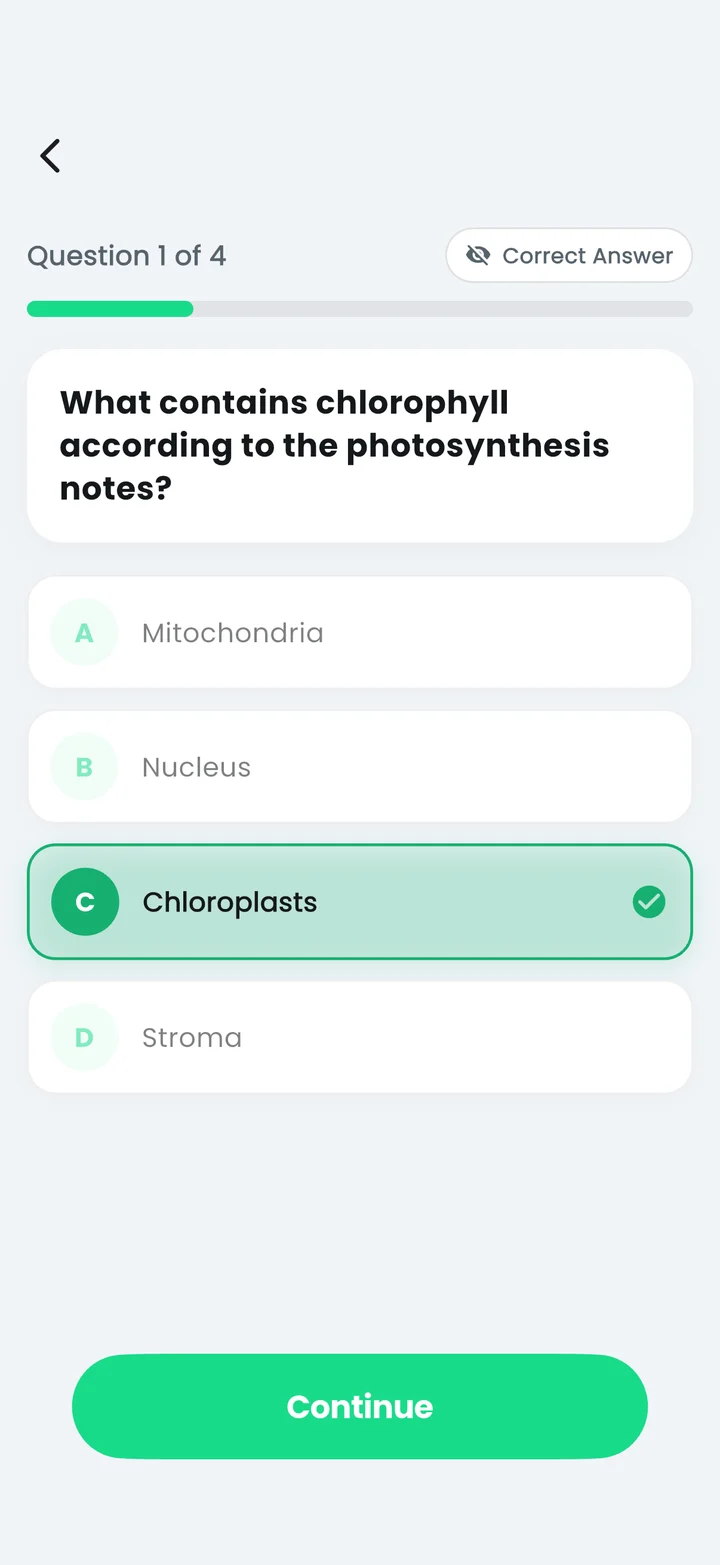
Use the material you already have.
Keep the questions that help.
Enter a topic, paste a focused excerpt, or take a clear photo of handwritten or printed notes.
Generate questions, check the answers against your source, and edit the draft before saving.
Take a quiz, flip through flashcards, and return to missed cards for a focused review.
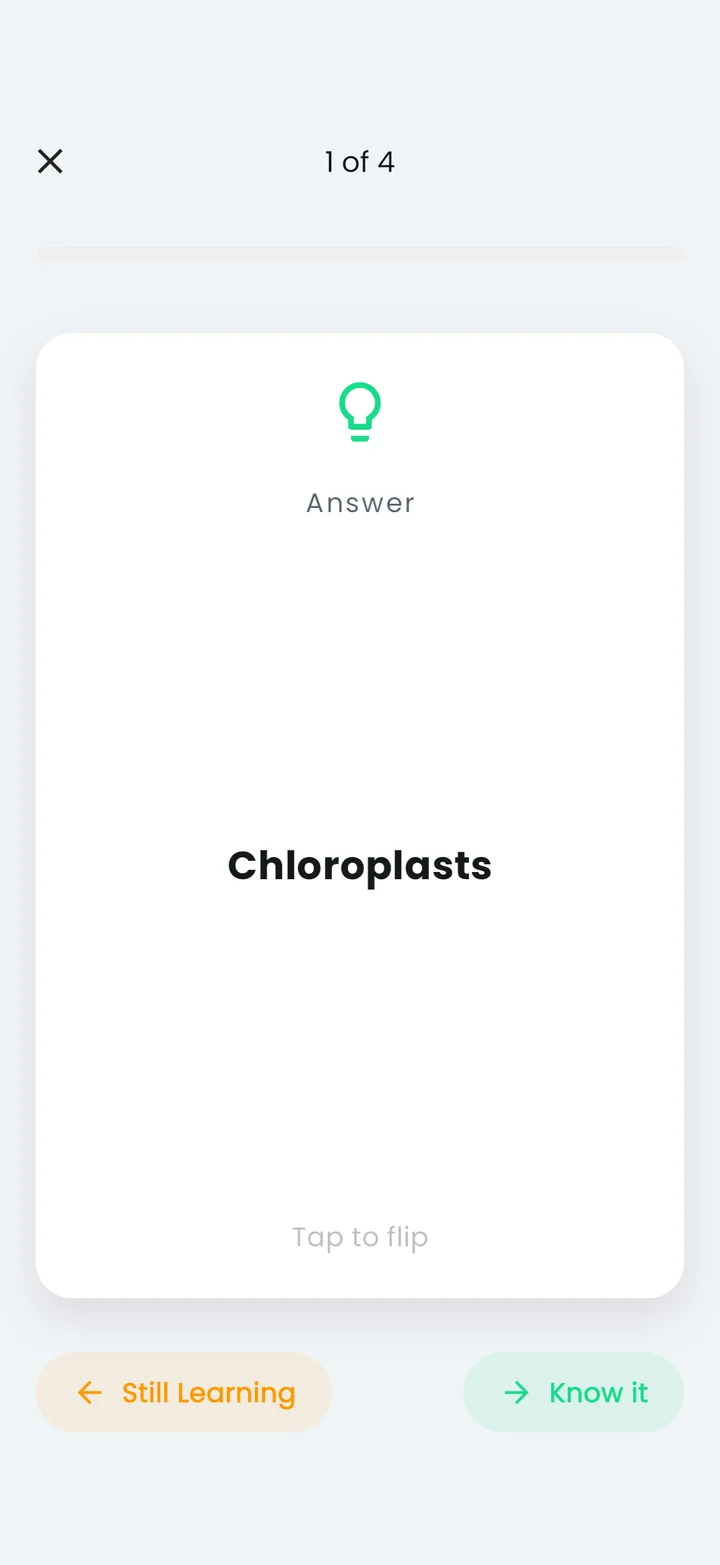
Study the same saved quiz as flashcards. Say the answer, flip the card, and mark what you know. The cards you miss give your next session a place to start.

Turn a page of notes into a useful practice quiz: choose a focused section, write clear questions, check the answers and review what you miss.
Read the guide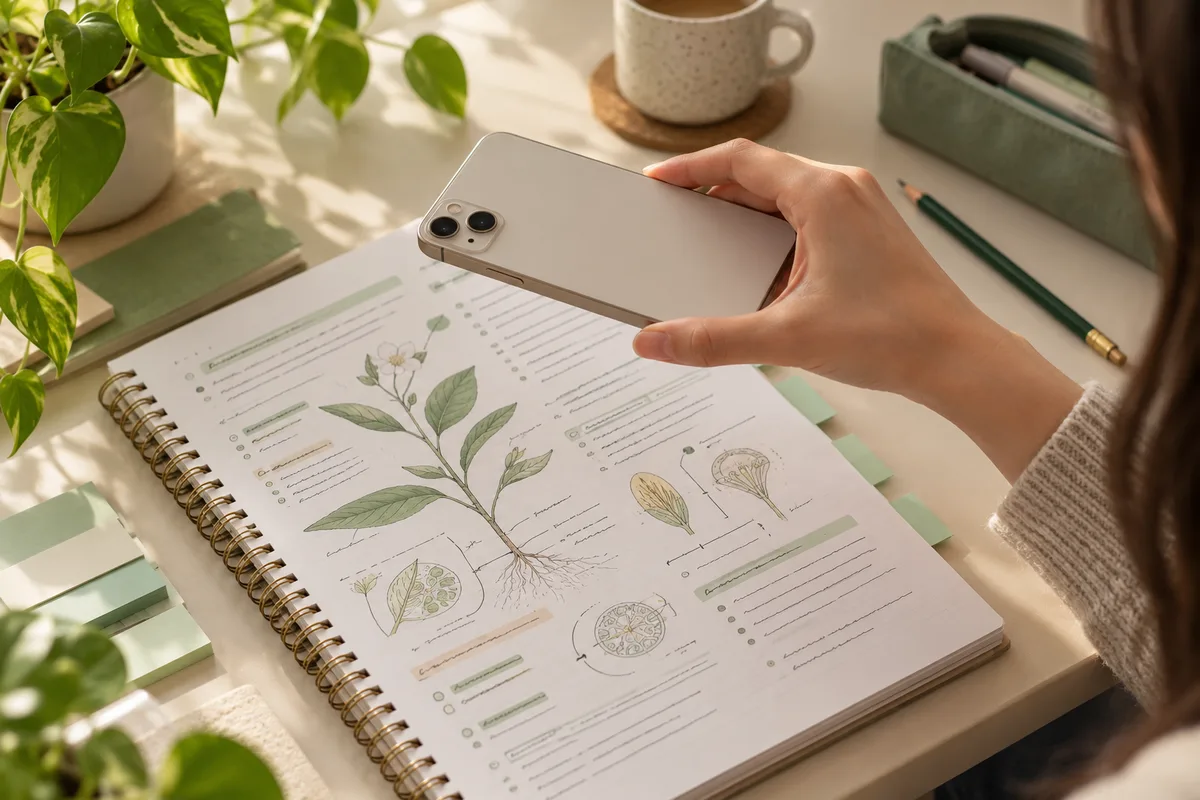
Make a quiz from handwritten or printed notes with a clear photo. Learn what to photograph, how to check the output and when to retake the image.
Read the guide
Create clear flashcards from notes with one question per card, short checked answers and a review routine built around the cards you miss.
Read the guideAI can help you draft questions.
Your source material stays the reference.
Yes. Open Scan Photo in Quizziz, take a photo or choose one from your gallery, then generate a quiz. Use a clear, well-lit page and check the questions against your notes before studying.
Yes. Saved quizzes can also be studied as flashcards. Flip to reveal the answer, mark what you know, and return to the cards you missed.
Quizziz is free to download and offers in-app purchases. Available access, allowances, prices and any trial eligibility are shown in the app before purchase and can differ by platform. Android also contains ads.
A native Mac app is available through the App Store, alongside iPhone and iPad versions. Android is available on Google Play. This website explains the app; it is not an online quiz generator.
Yes. Quizziz supports exporting quizzes as PDF test papers for printing or sharing. Review the questions and answers before distributing a test.
No. Treat generated questions as a study draft. Check facts, calculations and ambiguous wording against your course material, and edit any mistakes before using the set.
Quizziz: Flash Card Maker · by Kimbytes
Free to download with in-app purchases. Android contains ads.
Prices, allowances and any trial eligibility are shown before purchase.